Your own Minecraft
server in 7 days
How to build, launch and scale networks with Docker, panels, DDoS protection, automation, backups and the basics of DevOps & CI/CD.
Excellent Rated 4.7 stars · 1,400+ reviews

Sheridan  , who helped launch Let’s Encrypt, installs the VPS with you. Then I
 show you two Minecraft setups
 like the big networks.
What to expect in your free week
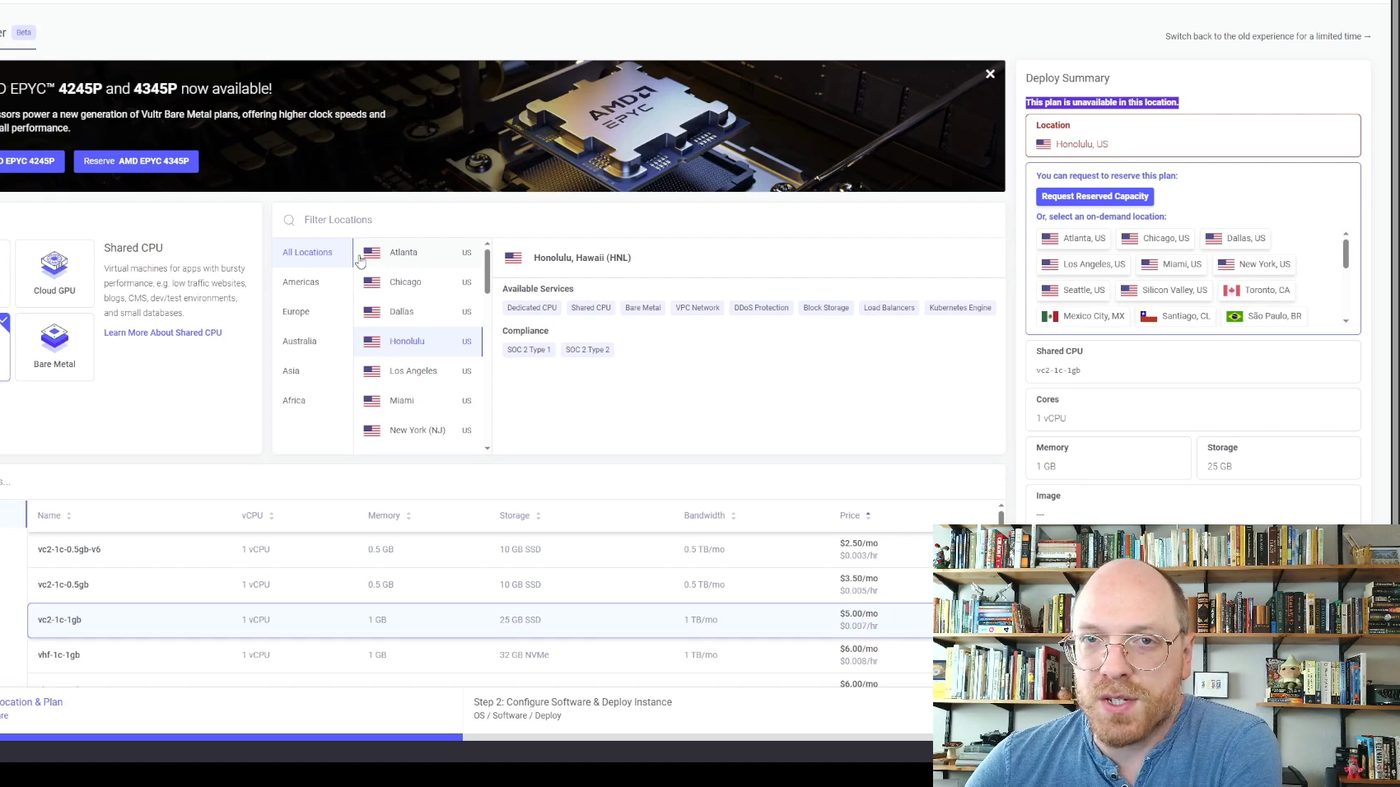
You rent a real server
Sheridan will install a VPS with you and teach you a couple of basic Linux commands. On Vultr you can get it down for as little as $5 a month. We'll also show you how to apply for startup funding and get up to $5,000 credits to run your own network for free.
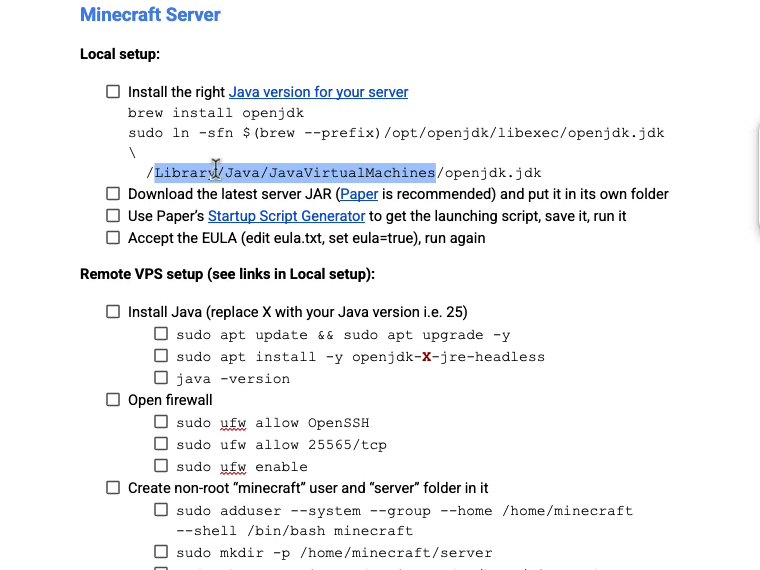
Get a checklist for every command
You'll get a checklist that has all the commands we'll use, plus explanations of why we run them so that you don’t need to dig them from the video lessons by hand.
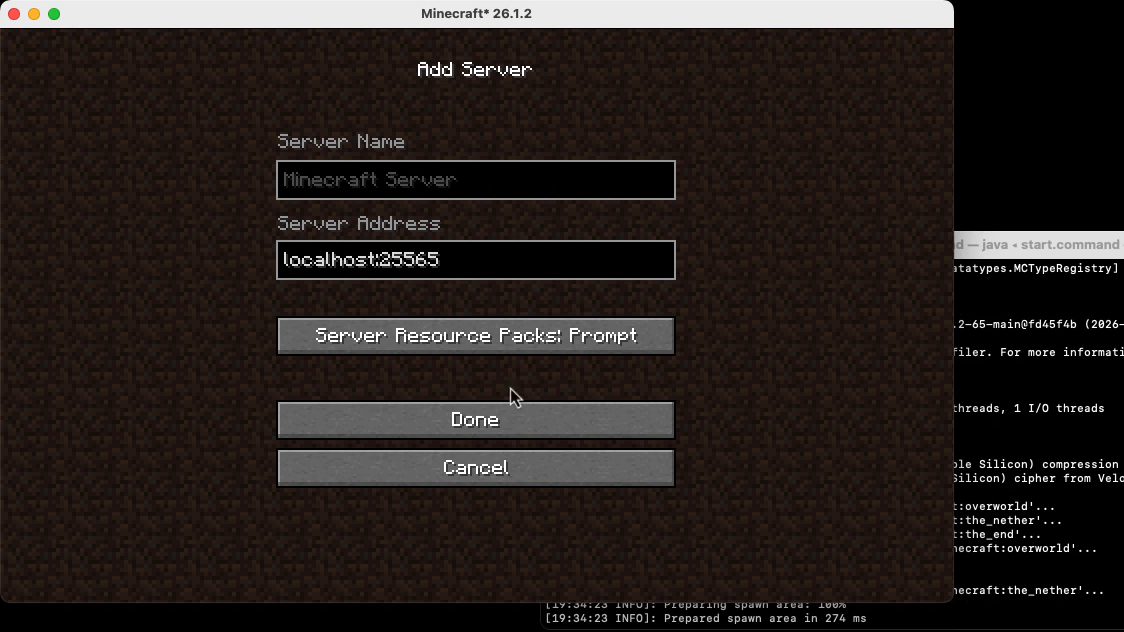
Deploy your server online
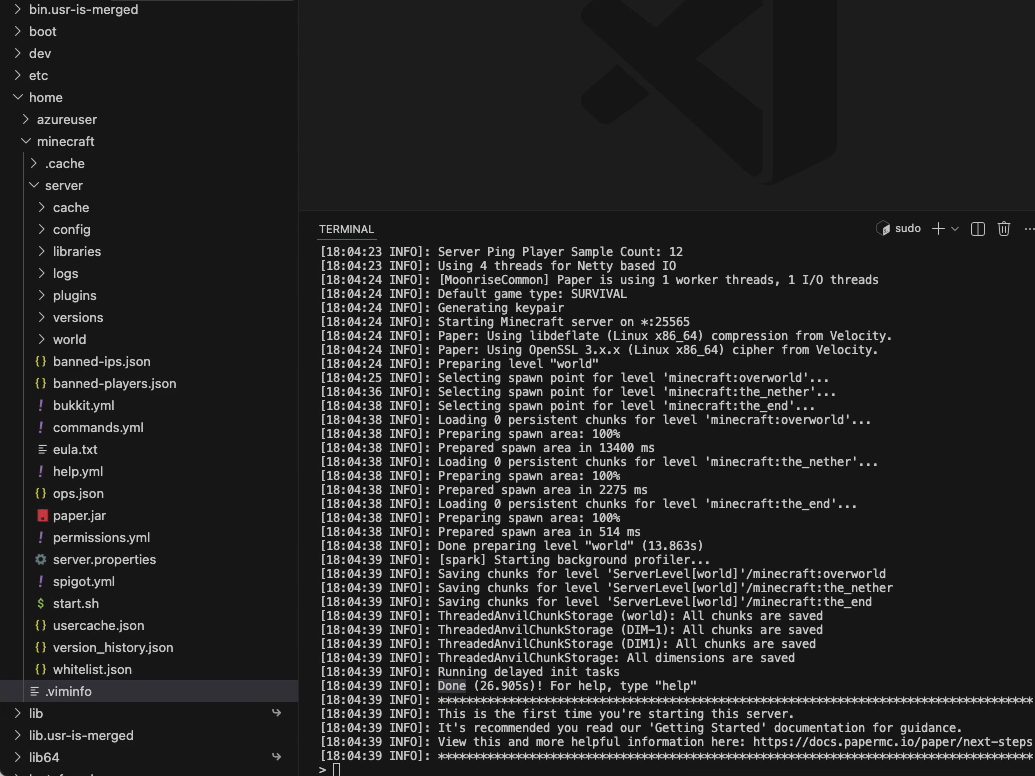
We'll run our network locally on your PC and on a remote VPS. I noticed a lot of people are not familiar with all the steps because many other courses rush them, so you'll get everything here step-by-step. This is also handy if you do setups for somebody else.
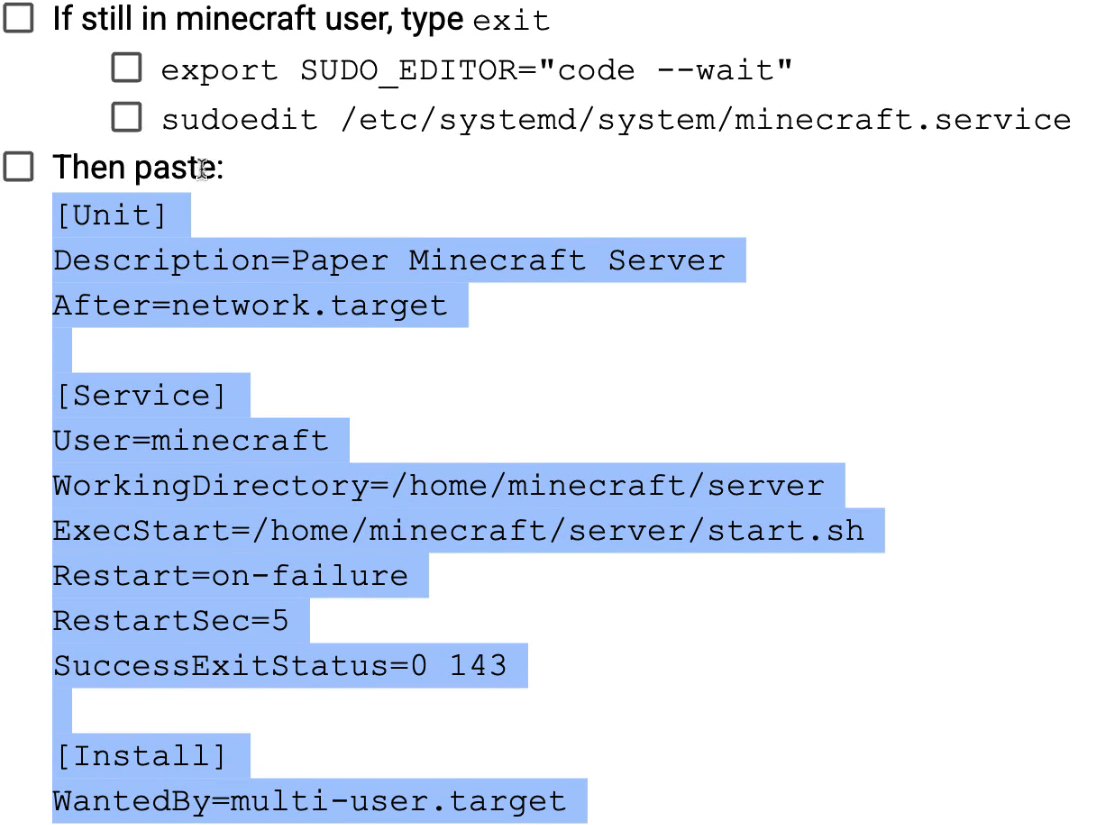
Your server restarts itself after a crash
It also starts by itself when the machine boots. And I’ll show you how to attach to its console, so you can type commands into it whenever you want.
Why AI comes last
Companies don’t want the person who doesn’t learn the actual skill set and just relies on AI.
They literally pay for engineers who understand how to set it up. They want to get it done, and they don’t trust AI slop.
So first you learn everything by hand, the good old school way. Then I’ll show you how to steer AI with what you learned, so you can check its work and stop it when it’s wrong.
Your teachers do this for a living
Matej
I’ve been a software engineer for over fifteen years. I grew my own Minecraft network to 30,000 players, and my plugins, ChatControl among them, were downloaded over 700,000 times. I built the portal you’ll learn on, and I’m the system admin of the VPS it runs on.

Sheridan Roberts
Sheridan has worked in this field for 16 years. He helped launch Let’s Encrypt, the project that encrypts over half the internet, and Linux Magazine featured him for it. He also ran Wowhead and wrote the data pipeline for cars.com. “Nothing I’m sharing with you is wasted effort or knowledge.”
All 26 lessons of your free week
8 hours of video. Watch them whenever you want, there is no schedule.







- 1. Welcome to the program3 min
- 2. The Checklistdocument
- 3. Getting Linux6 min
- 4. Tools of titans12 min
- 4.1 $5K for free VPS & Copilot6 min
- 4.2 VPS creation & SSH17 min
- 4.3 Azure VPS setup18 min
- 4.4 Magnum Opus terminal32 min
- 4.5 Introduction to VS Code37 min
- 5. Setting up a Minecraft server42 min
- 5.1 Auto-restart & attached terminal19 min
- 5.2 Auto-updating Paper & Velocity26 min
- 5.3 Connecting by domain4 min
- 5.4 Server config & plugins18 min
- 5.5 Whitelist3 min
- 6. Entering Linux31 min
- 6.1 Users & groups12 min
- 6.2 Processes & scripts26 min
- 6.3 Installations & updates41 min
- 6.4 Cron, systemd & auto-updates12 min
- 7. Minimum-viable AI18 min
- 7.1 Turbocharging your AI18 min
- 7.2 Which model to use & when9 min
- 7.3 Cheaper & alternative models22 min
- 7.4 1M context window22 min
- 8. The fundamentals of AI30 min
What our students say
“There’s a lot of really nice tidbits you cover”
AaronDeveloper for 7 years
“Jakey is thrilled with having his own server”
Rachelby email
“Today I have a Minecraft server with an average of more than 1,200 players”
Nothing was better than finding this amazing course. It changed my life. Today I have a Minecraft server with an average of more than 1,200 players and it became the biggest in Italy.

Nicolas Bonistallicoralmc.it
“I have 44 years of computer knowledge in my head”
MoCavemanby email
“MineAcademy has helped me land a job in cybersecurity”
Lukason Trustpilot
“It took me 2 years of telling myself I was going to follow through before I actually sat down and did”
DreamDoggoon Discord
“Matej knows his stuff”
Andrej Tichyon Clarity.fm
“Today I work as a Senior Data Engineer at a well-known global company”
Wiktor Morskion Trustpilot
“I have now made it a requirement for developers on my Minecraft server”
Sean FirthMindBuzz.com.au
Your own Minecraft server in 7 days
How to build, launch and scale networks with Docker, panels, DDoS protection, automation, backups and the basics of DevOps & CI/CD.
Start my free weekAlready have an account? Log in.
Before you start
Do I need to know Linux?
No. Week 1 starts from zero. You put Linux on your own computer, learn a couple of basic commands and copy the rest from the checklist. And you don’t need to understand everything one hundred percent. Eighty percent is enough to get your server online.
Do I have to pay for a server?
The server is your own, so you rent it yourself, on Vultr from $5 a month. We’ll also show you how to apply for startup credits: $1,000 with a LinkedIn profile, or $5,000 if you have a registered company. Aaron Davis got his approved:

How much time does it take?
Week 1 is 8 hours of video and there is no schedule. Watch a lesson a day or do it all in one weekend. Your 7 days start when you sign up.
What happens after the 7 days?
Week 1 closes and nothing is charged, because we never ask for your card. The server you built stays on your VPS. If you want the other five weeks, you can get the full program from your account, and it comes with a guarantee: follow the training and in 30 days you’ll have your own secured Minecraft server running on a cloud VPS, or you owe us nothing.